Google Sheets
Google Sheets is Google's free spreadsheet app with real-time collaboration. This page covers the Android app, version 1.26.351.01.90.
112.2 MB

16.0.20228.20090 · Microsoft Corporation · Page updated
Microsoft Word for Android is the mobile version of Microsoft's word processor. This page covers build 16.0.20228.20090.
Average 0.0 · ratings: 0
Thank you! Your rating is saved; you can change it. Could not save the rating. Please try again later. Too many ratings from your network today. Please try again tomorrow. The average appears after 5 ratings.
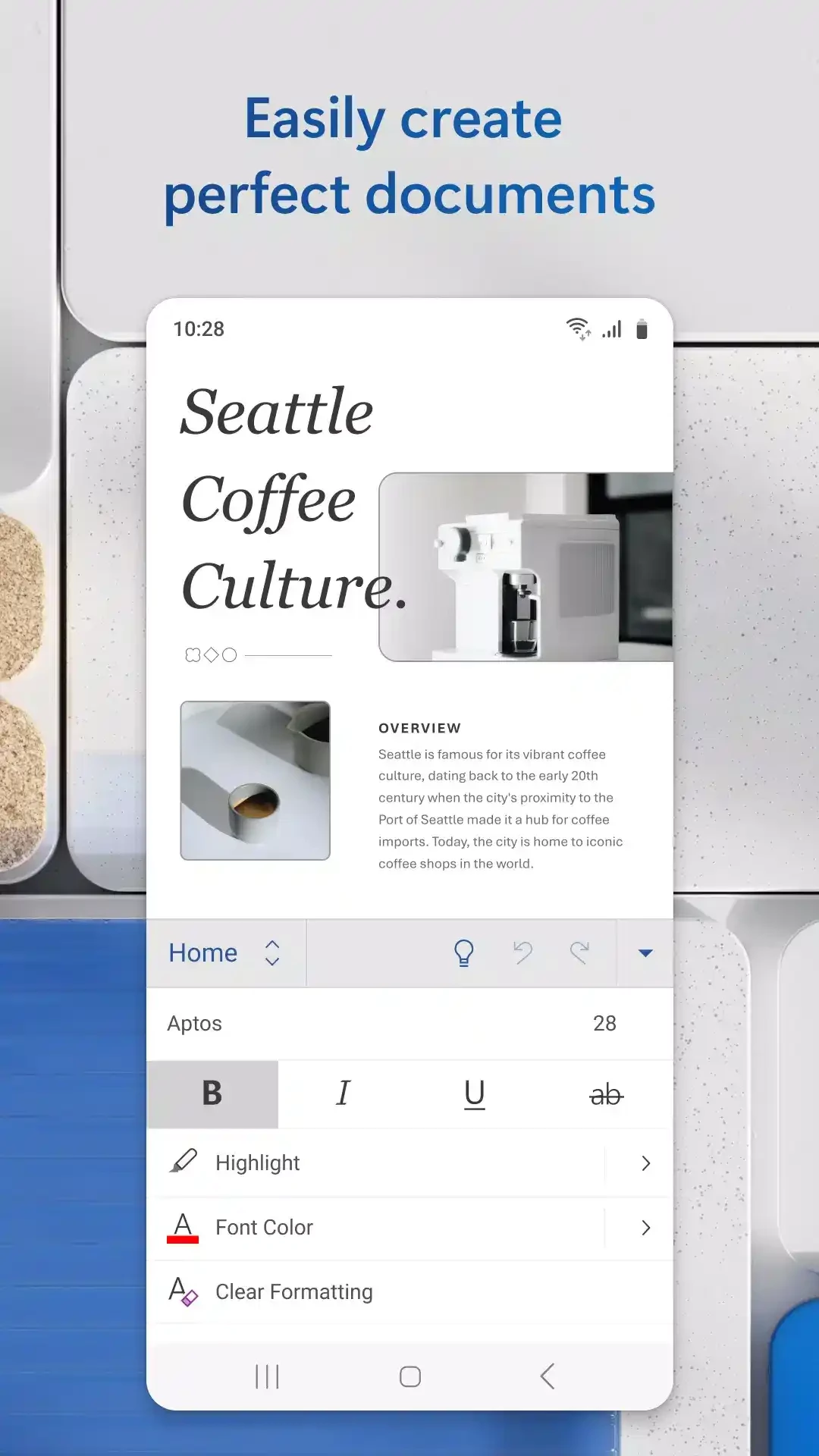
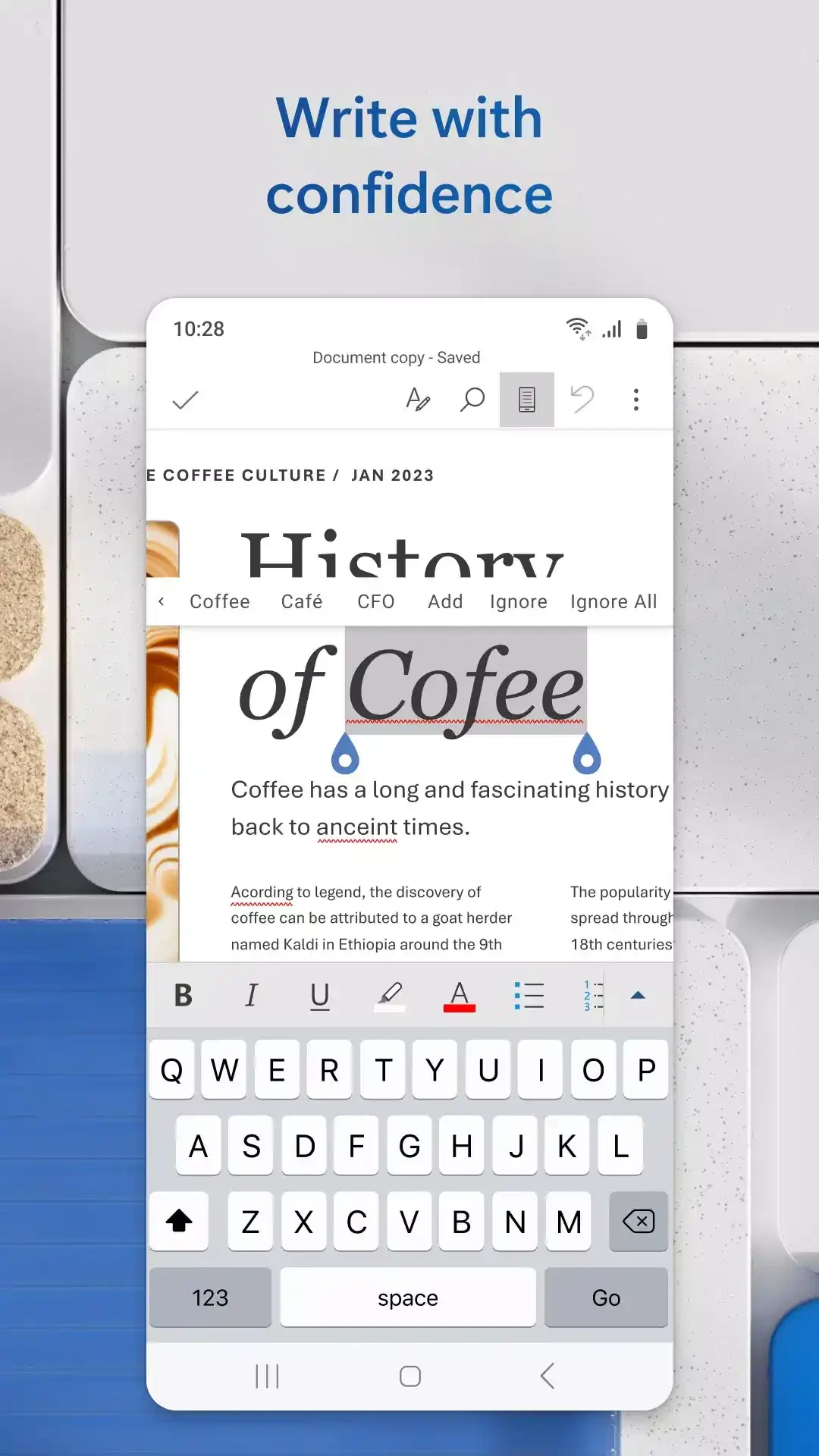
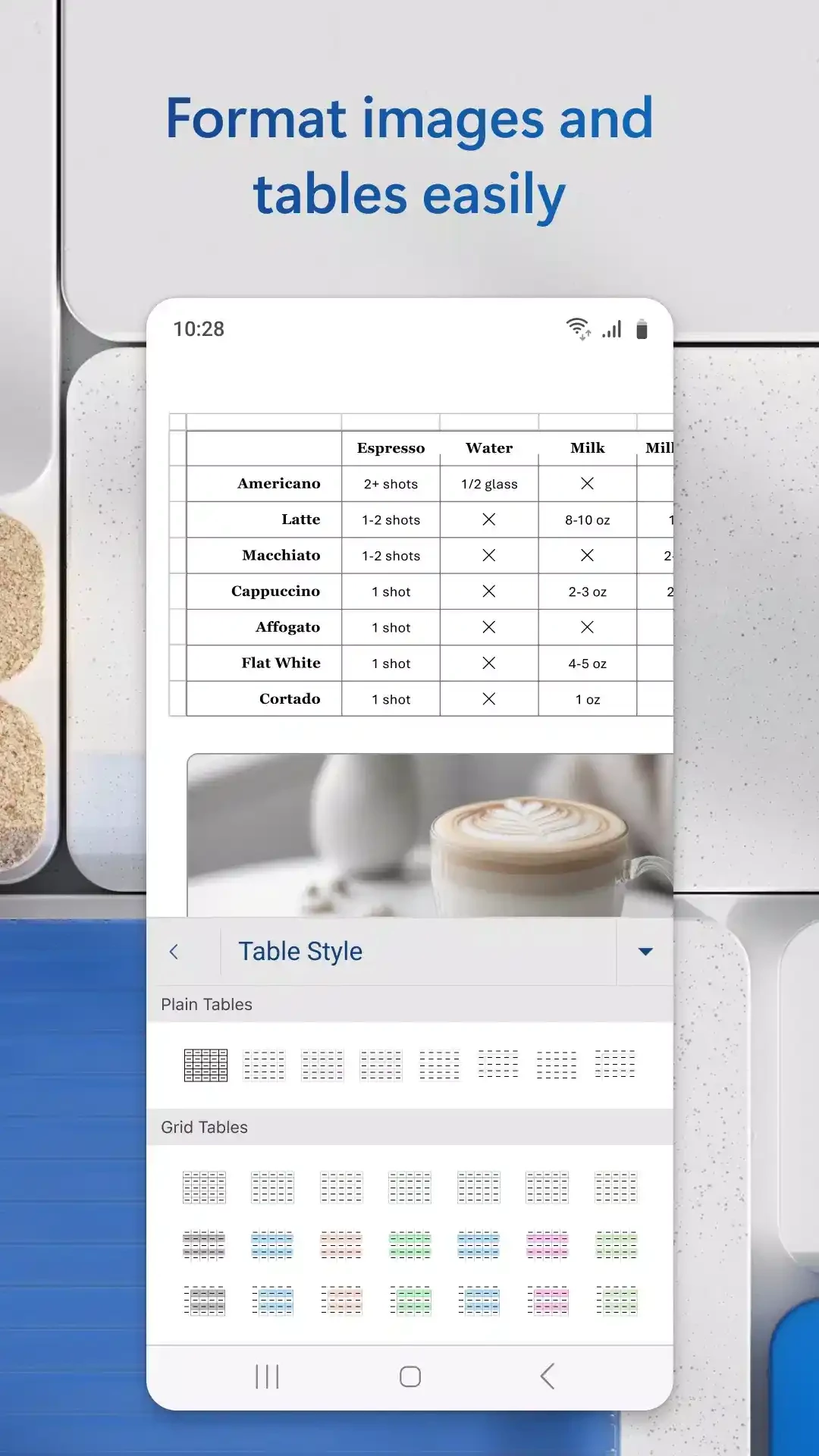
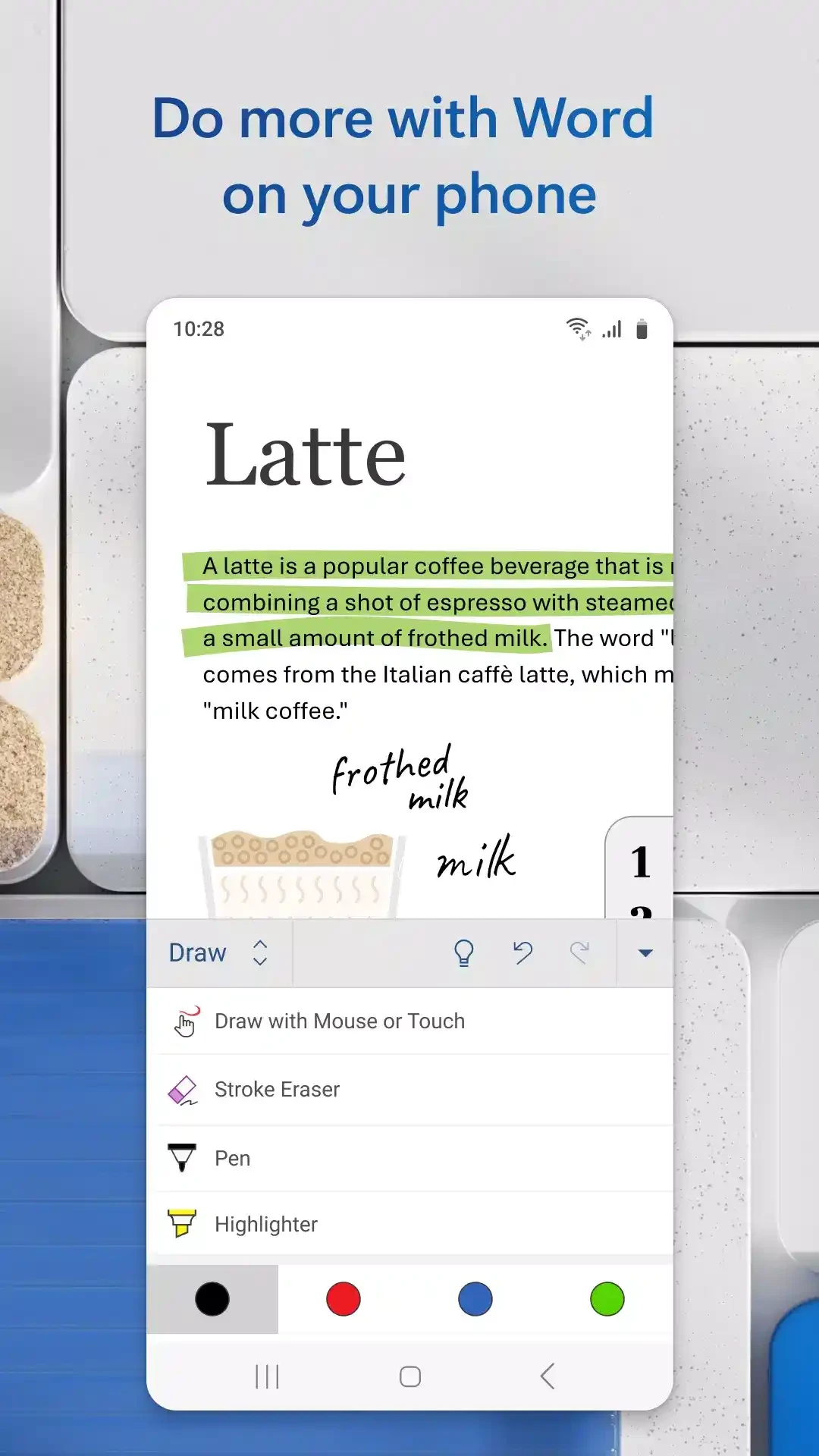
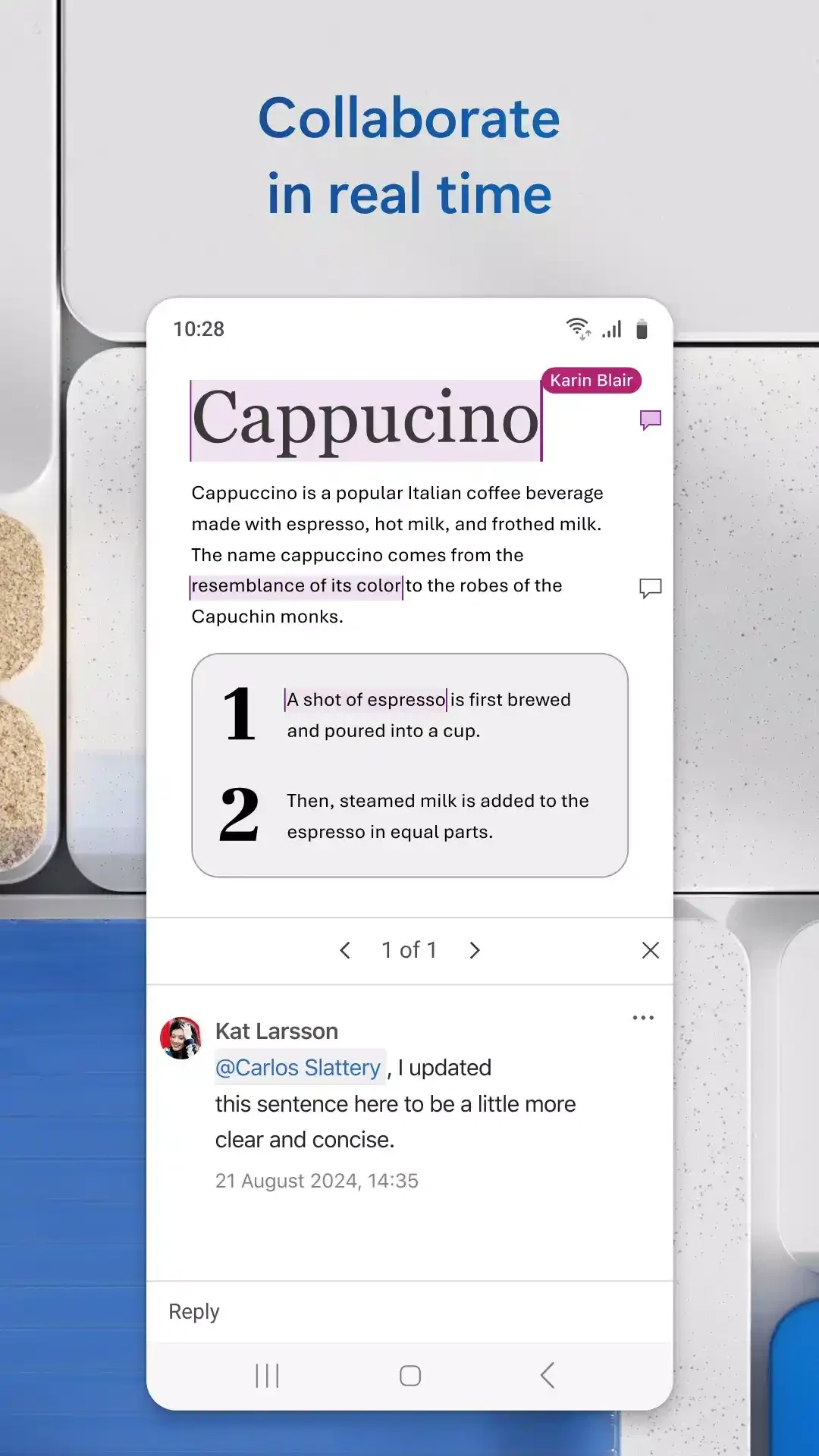
Microsoft Word for Android, build 16.0.20228.20090, brings Microsoft's word processor to phones and tablets. You can download it free from Google Play to read, edit and create documents on the go; here are the answers people look for before installing it.
Word is the word processor that Microsoft first released in October 1983 and that is now part of Microsoft 365. The Android app uses the same DOCX format as the desktop program, so a document created on a PC opens on the phone with its headings, lists, tables and pictures in place. You can type, format text, insert images, add comments and share a file as a link or an attachment. Documents come from the phone's storage or from the cloud accounts you connect, and changes you make on the phone are there when you open the same file on a computer. On a phone the app is ideal for reading a contract before a meeting, correcting a paragraph in a report or writing a short letter; on a tablet with a keyboard it becomes a real writing tool. For long, heavily formatted documents, finishing the job on a PC remains more comfortable.
The app is free to download. Basic reading and editing work with a free Microsoft account, while a Microsoft 365 subscription unlocks the full set of features. Accounts from schools and employers that include Microsoft 365 get everything their plan covers.
The app is about 140.50 MB according to catalogue data. Documents you open are cached, so keep some storage free.
Yes, when installed from Google Play. Skip modified APKs that promise premium features; they often steal account details. Turn on two-step verification for your Microsoft account.
Yes. The browser version at word.cloud.microsoft opens documents in any modern browser, although the app is easier to use on a small screen.
Turn the phone sideways for wider lines when reading, keep formatting simple while typing on a small keyboard, and share documents as links instead of copies so everybody works on the same version.
Other office apps for Android in our listings: Google Docs, Microsoft Office 365, Microsoft Excel for spreadsheets and Adobe Acrobat Reader for PDF files.
Google Sheets is Google's free spreadsheet app with real-time collaboration. This page covers the Android app, version 1.26.351.01.90.

Adobe Acrobat Reader for Android is Adobe's free app for opening, reading, commenting on and signing PDF files on a phone or tablet.
Google Docs is Google's free word processor with real-time collaboration. This page covers the Android app, version 1.26.351.03.90.
Microsoft Excel for Android is Microsoft's spreadsheet app for phones and tablets. This page covers build 16.0.20228.20090.