Microsoft Word for Windows is the word processor from Microsoft and a core part of Microsoft 365. It is a paid program, so instead of a free standalone download you get it through a Microsoft 365 plan or a one-time licence; below we look at who it is for and how to install it the right way.
What Word is
Word has been around since October 1983 and is written largely in C++. Over four decades it became the default tool for letters, reports, theses, contracts and CVs, and its DOCX format is what most offices, universities and publishers expect when they ask for a document. The program handles everything from a one-page note to a long book with headings, comments and a record of who changed what. When a document is stored in the cloud, several people can edit it together and see each other's changes. Word runs on Windows and macOS, has apps for phones, and a browser version at word.cloud.microsoft that covers everyday editing. The Windows program remains the most complete edition, and it is the one that people who write for a living tend to rely on.
Who Word is for
- Office workers who exchange documents with colleagues and clients every day.
- Students and researchers writing theses and papers with citations and footnotes.
- Lawyers, editors and translators who depend on tracked changes and comments.
- Job seekers preparing a CV from a template.
Who may not need it
If you write only short texts now and then, the free web version or another office suite will probably do. People who dislike subscriptions may prefer a free alternative, accepting some formatting differences.
How to get Word on Windows
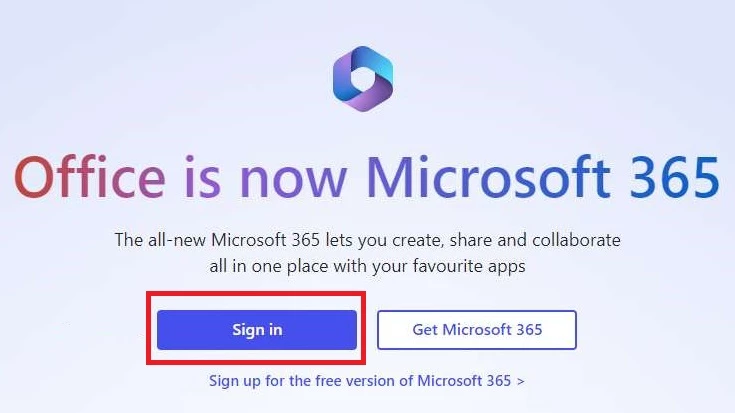
- Sign in at the official site, word.cloud.microsoft, with a Microsoft account.
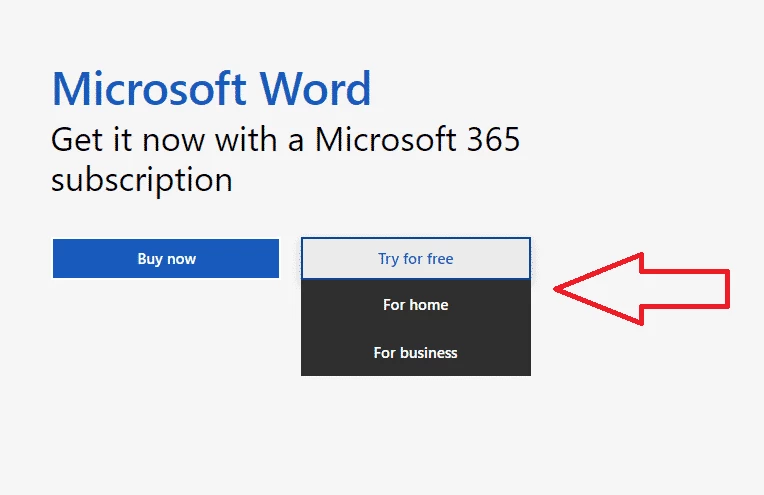
- Choose a Microsoft 365 plan, or sign in with the account your school or employer provides.
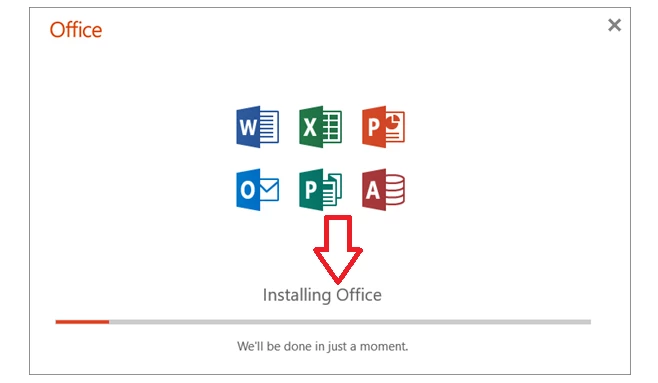
- From your account page, download and run the Microsoft 365 installer; Word installs together with the other apps in the plan.
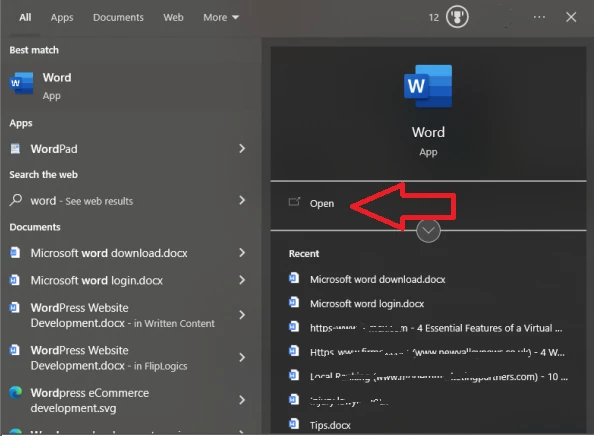
- Open Word and sign in to activate it.
For a quick start, Microsoft offers ready-made resume templates and many other designs.
Size and requirements
The installation package is about 289.24 MB according to catalogue data. Microsoft lists the requirements for Microsoft 365 on its site; you need a supported Windows version and an internet connection for activation.
Safety
Install Word only through Microsoft. Cracked copies and fake activators often carry malware. Keep macros disabled in documents from unknown senders, and do not click Enable Content in a file you did not expect.
Pros and cons
- Pro: the most widely expected document format in offices.
- Pro: strong tools for long documents and reviewing.
- Pro: works with the phone and web versions.
- Con: paid subscription or licence required.
- Con: many menus for a simple letter.
Alternatives
Other office programs in our listings: LibreOffice and WPS Office as free suites, Google Docs for online editing, and Microsoft 365 Office (UWP).